EPUB to XTC Converter For XTeink E-Readers

Your XTeink can't read EPUB files — this converts them to XTC perfectly.

  • Works offline after one-time activation
  • Full control: layout, fonts, margins, line height, and more
  • Convert your entire library in batches

100% private · Your books never leave your computer

Lifetime updates · No subscription · macOS & Windows

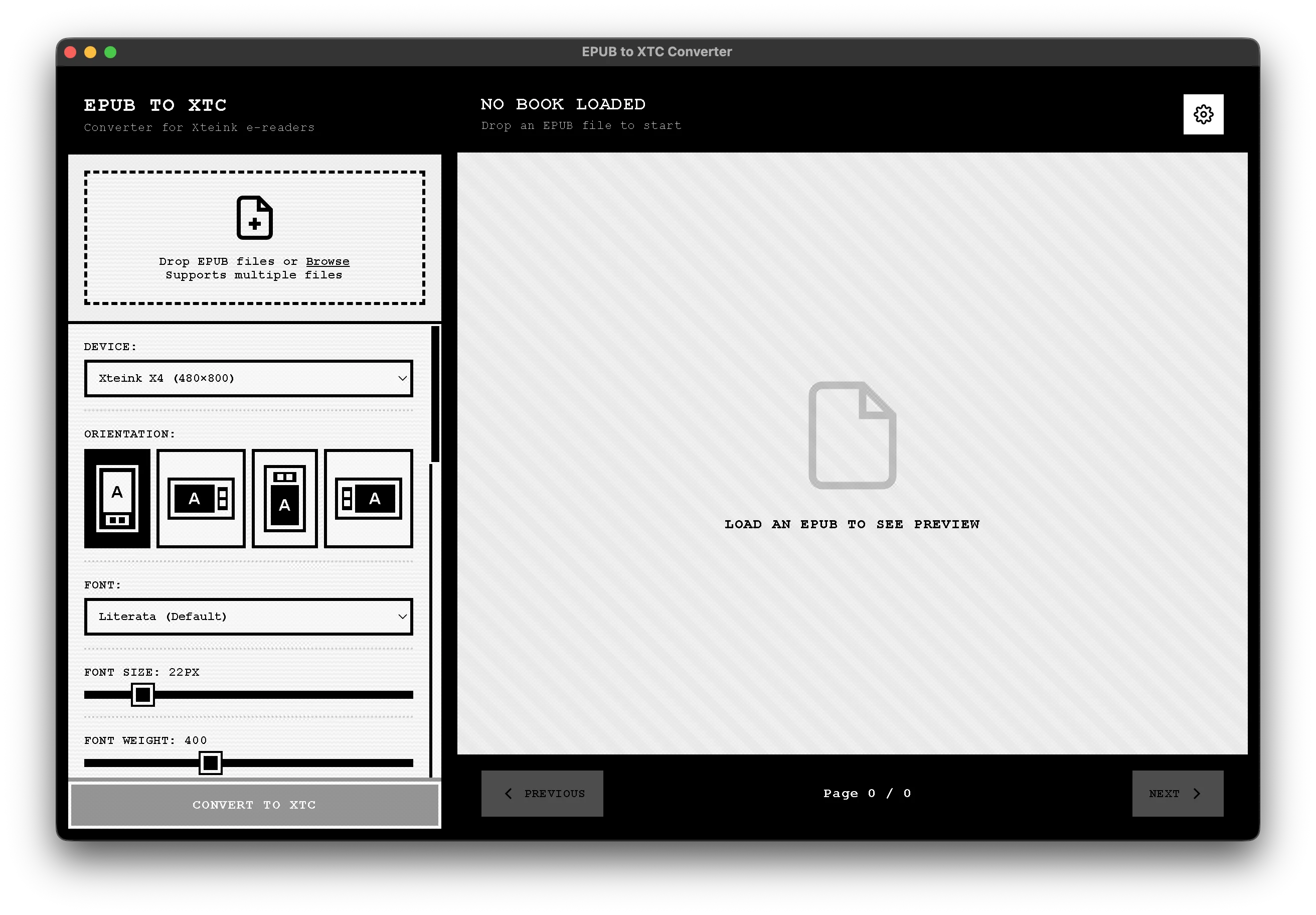
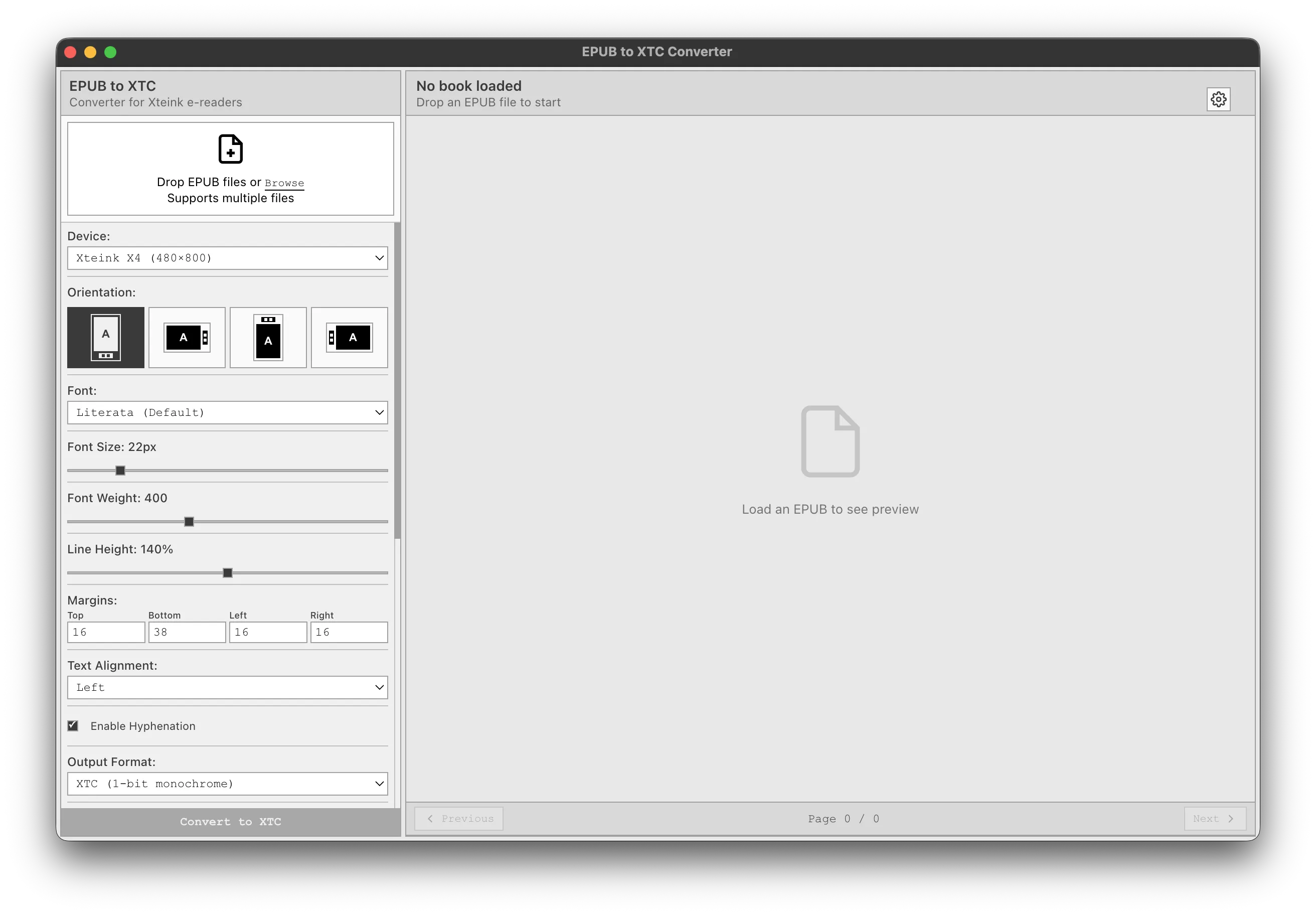
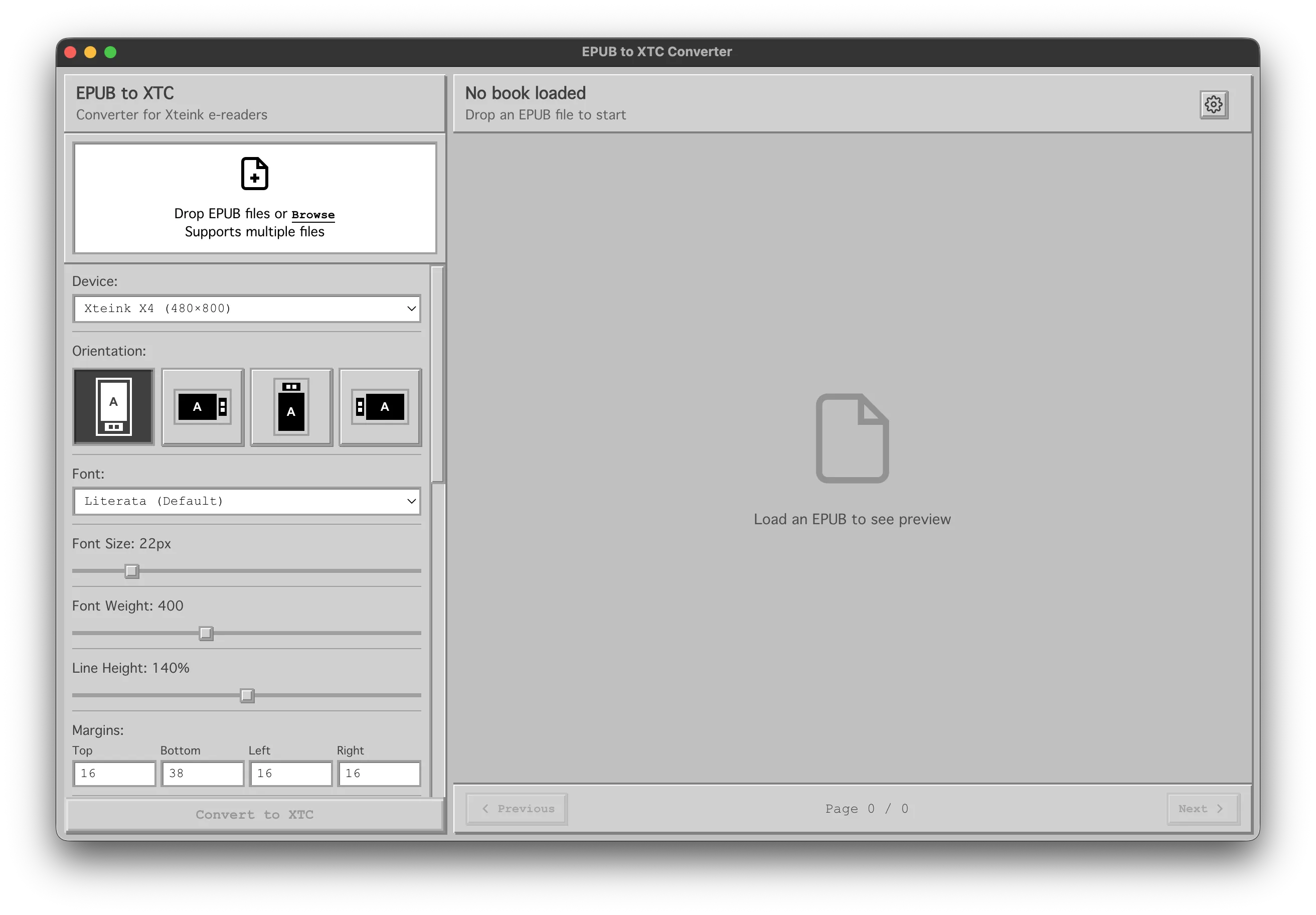
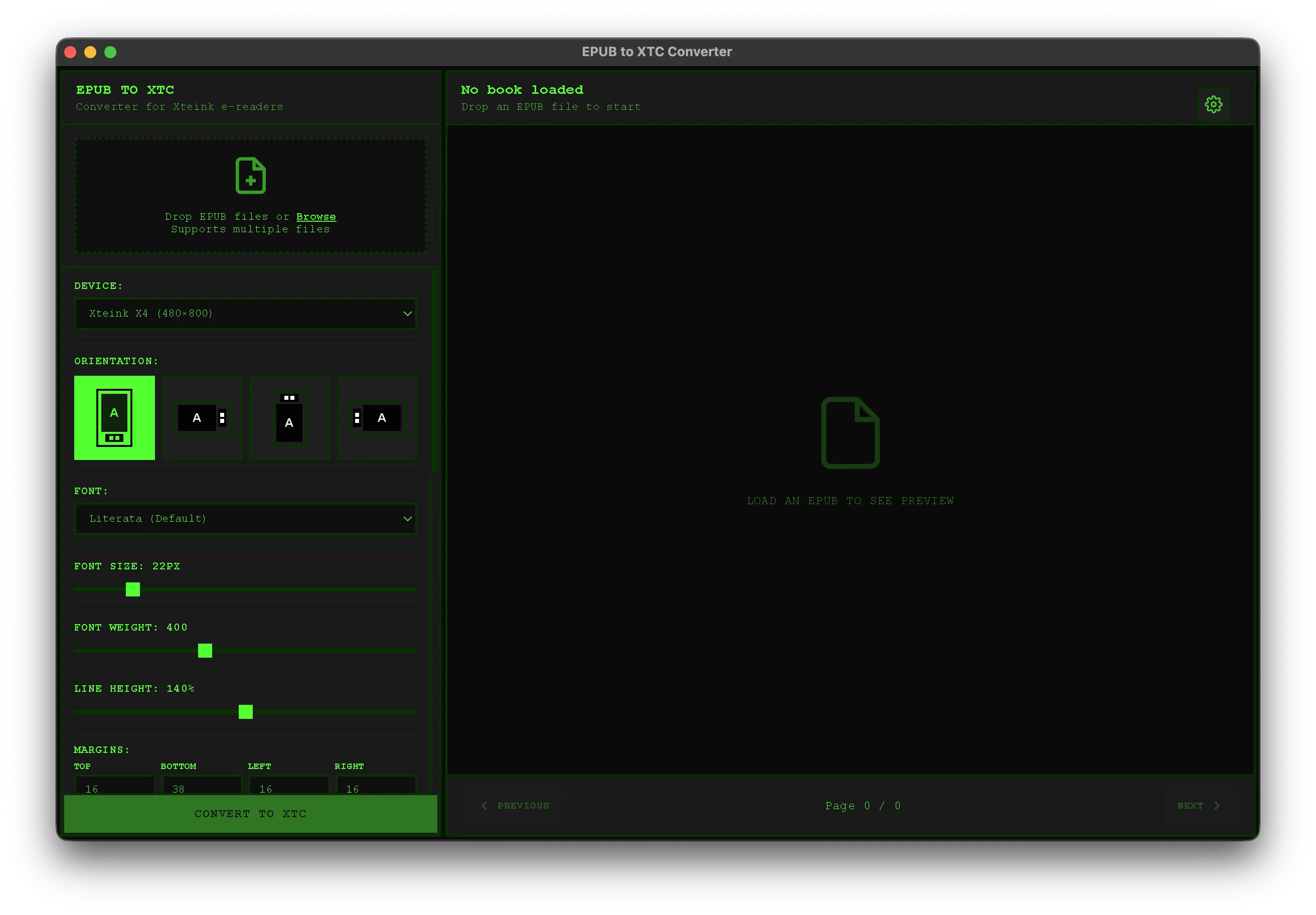
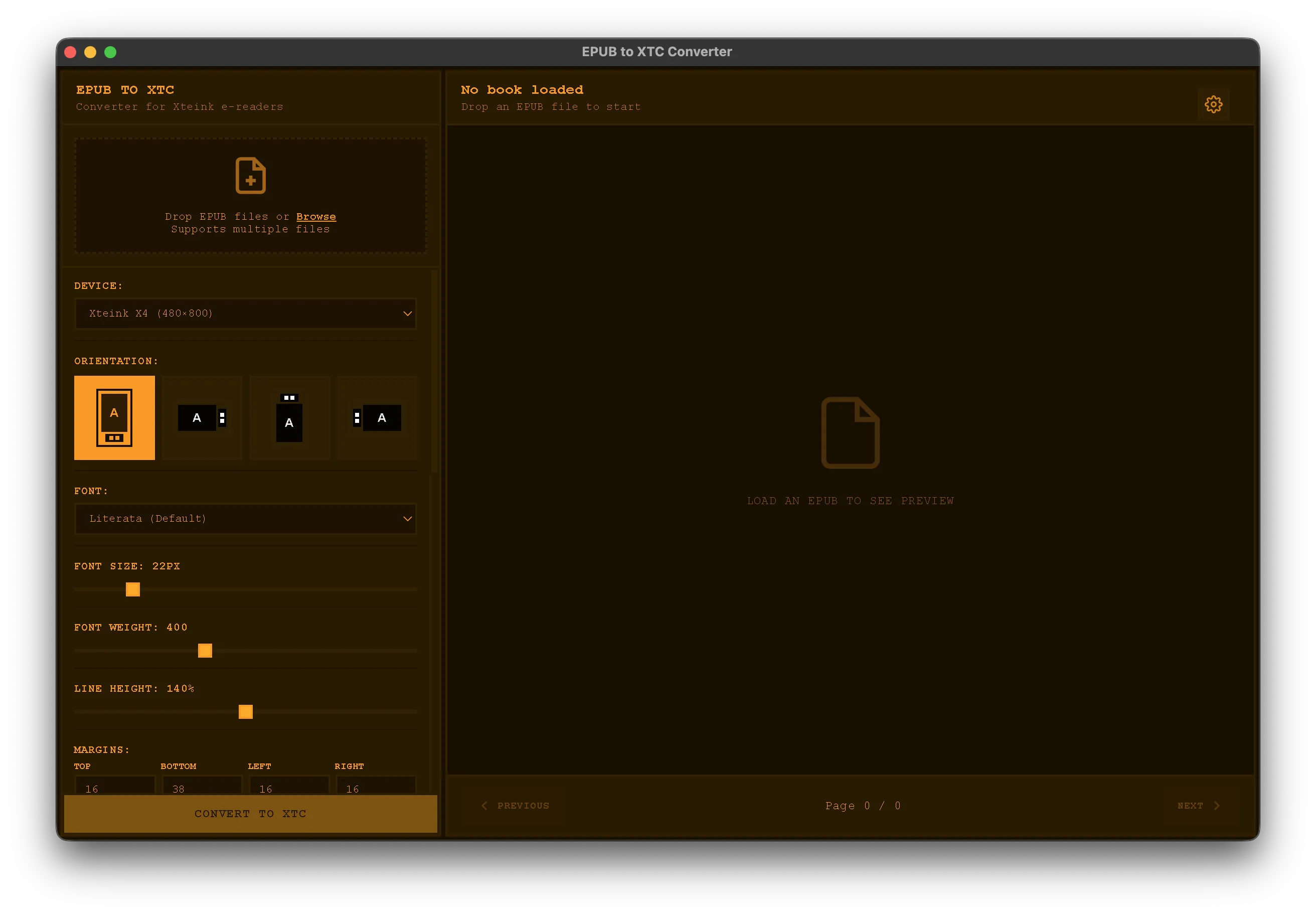
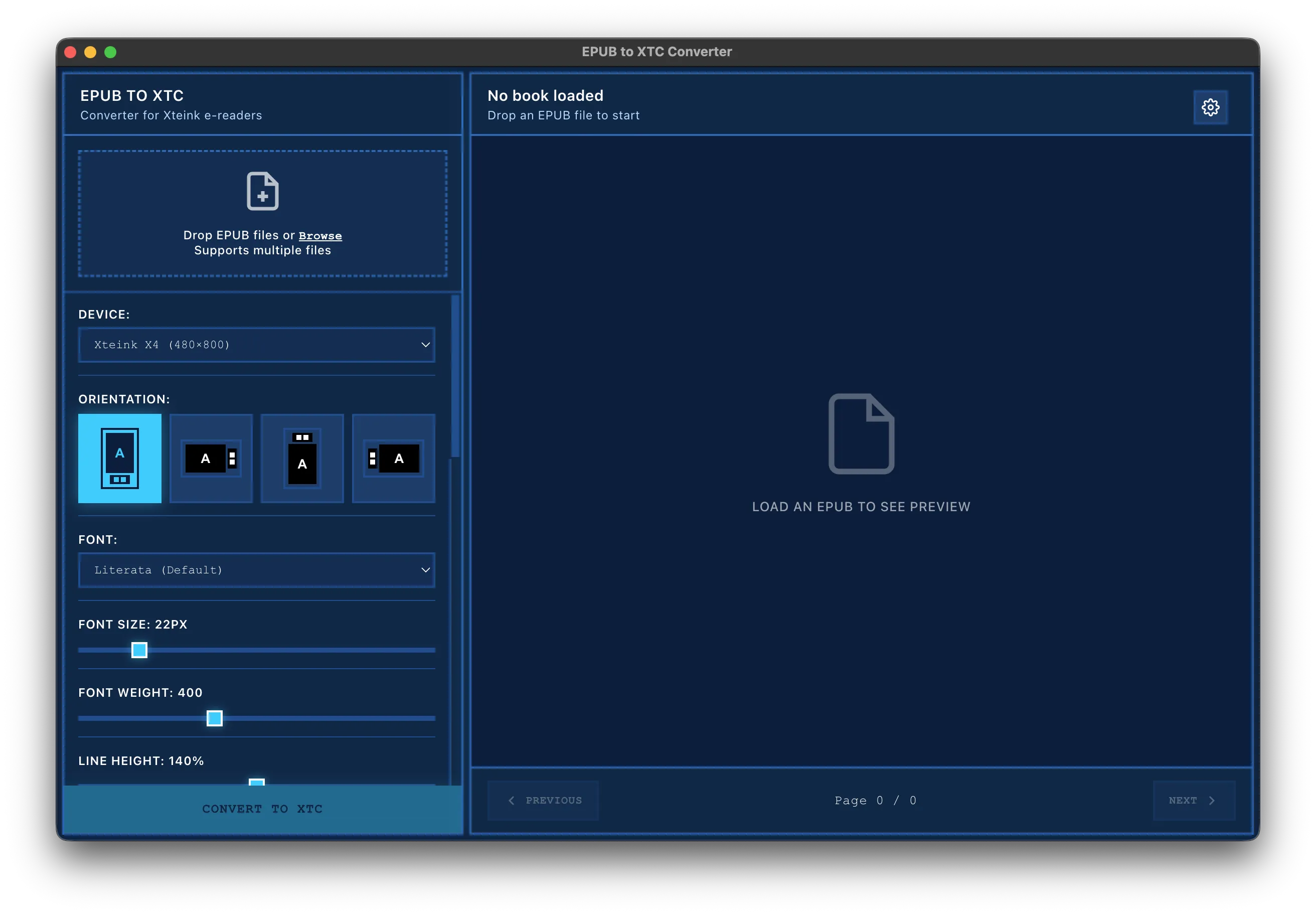
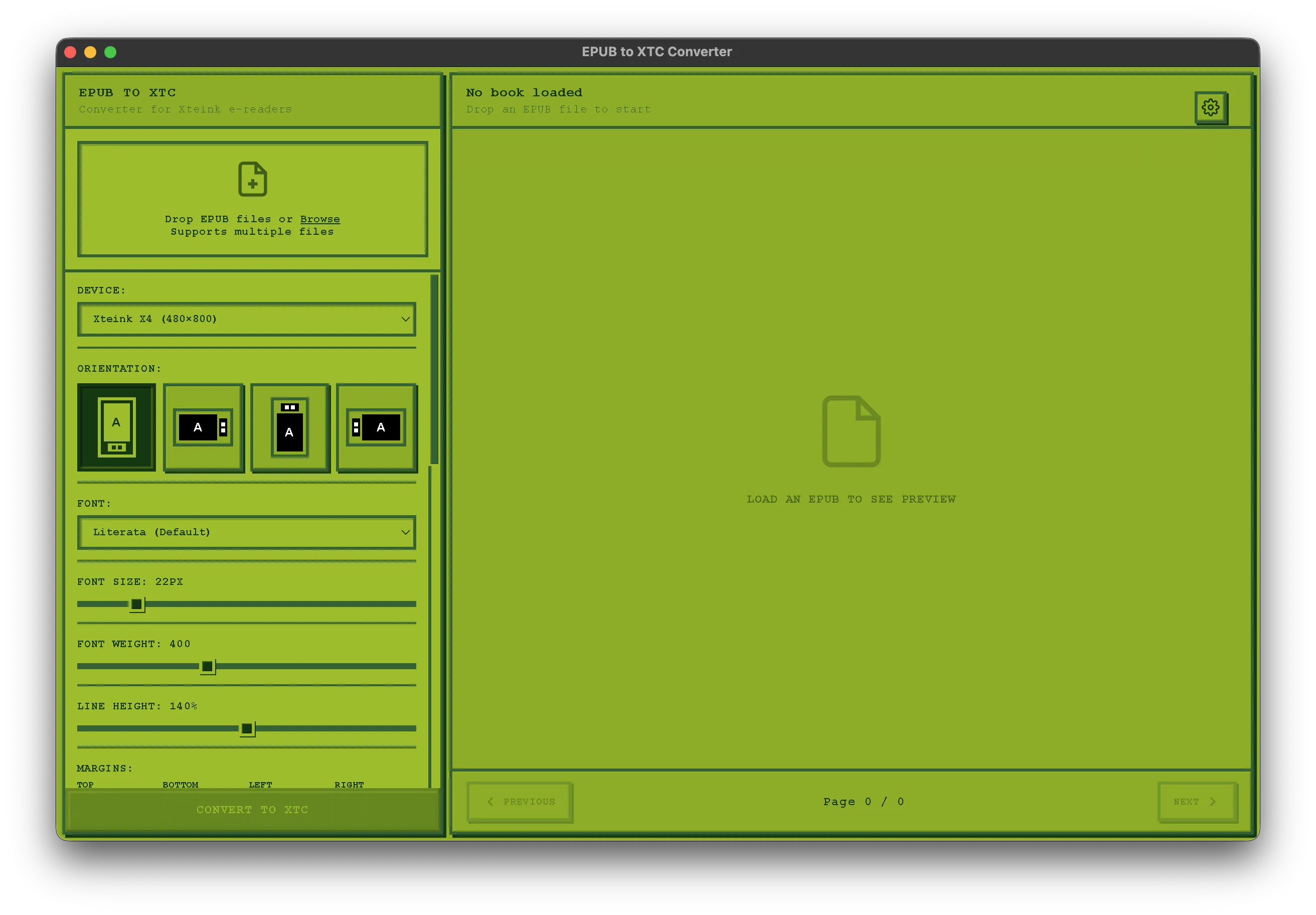
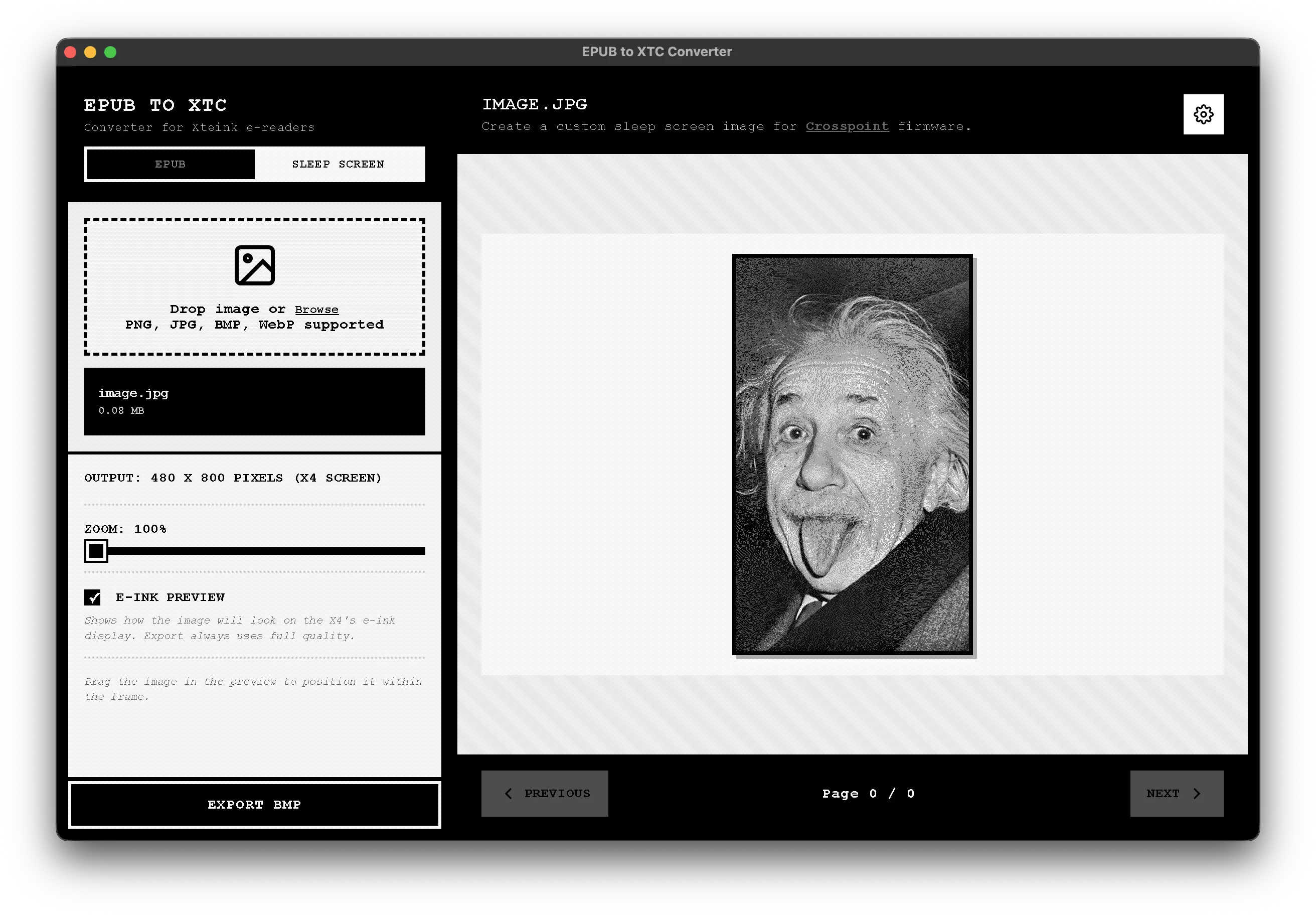
EPUB to XTC Converter app interface showing the Paperweight theme

Why Use an EPUB to XTC Converter for XTeink E-Readers?

XTeink X4 and XTeink X3 devices don't support EPUB files natively — they require the XTC file format. Most available EPUB to XTC solutions are experimental, require technical setup, or are shared as unfinished scripts on GitHub.

Our EPUB to XTC Converter was built specifically for everyday XTeink owners — not developers. It's a polished desktop app that works offline, doesn't upload your books anywhere, and produces XTC files you can trust on your XTeink device.

No command line. No browser-based converters. No guessing if your EPUB to XTC conversion worked. Just simple, reliable EPUB file conversion for your XTeink X4 or X3.

7 Beautiful App Interface Themes Included

Choose the perfect look for the converter app interface — tuned for a great user experience.

Everything You Need, Nothing You Don't

🎨

Full Control Over Your Book Layout

Choose from 6 built-in fonts or use your own. Customize font size, weight, line height, margins, alignment, hyphenation, progress bar, chapter markers, and more.

📚

Convert Your Entire Library at Once

Convert your entire library at once. Drop multiple EPUBs and let the app handle them all with your chosen settings.

🔌

Works Completely Offline

After one-time activation, no internet required. Your books, your privacy. Convert anywhere, anytime.

⚙️

Advanced Options

Support for XTC 1-bit monochrome and XTCH 2-bit grayscale. Dithering, inverted colors, page numbers, progress percentage, and chapter markers.

🔄

Lifetime Updates

Buy once, get all future updates for this version. No subscription, no recurring fees, no surprises.

💻

Native Desktop App

Fast, reliable desktop app for macOS and Windows. Designed specifically for XTeink X4 and X3 devices.

Convert Your Entire Library

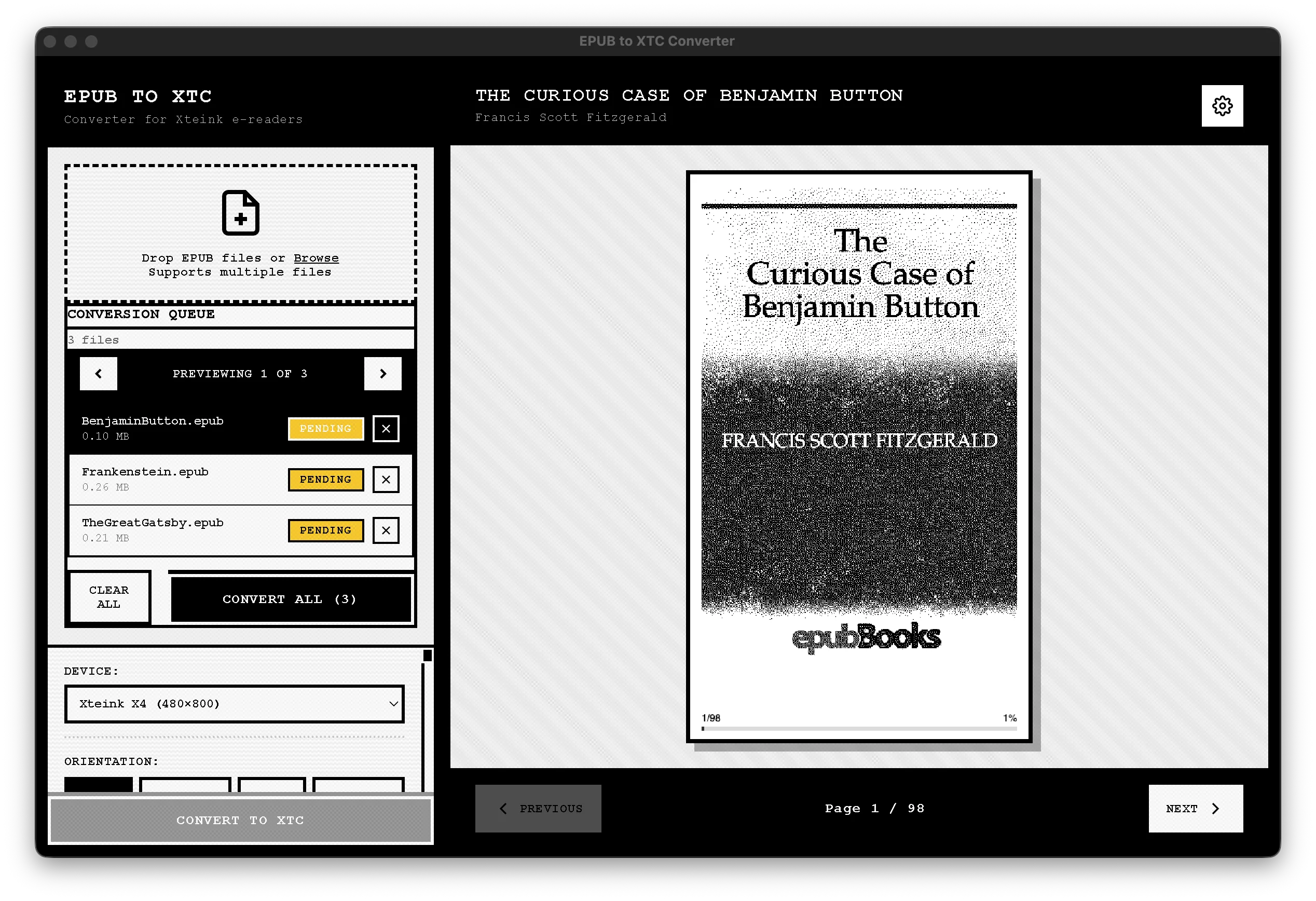
Drag and drop multiple EPUB files and convert them all at once. Apply the same settings to your entire collection, or customize each book individually. Perfect for setting up a new device or migrating an existing library.

  • Process dozens of books in one go
  • See real-time progress for each conversion
  • Save your favorite presets for future use
Batch processing interface showing multiple EPUBs being converted

Pricing

One payment. Lifetime access. All features included.

EPUB to XTC Converter

$ 9.99

One-time payment · Less than the cost of two books · Converts your entire library forever

  • → Convert unlimited EPUBs to XTC format
  • → 7 beautiful app interface themes
  • → 6 fonts + custom font support
  • → Full customization: font size, line height, margins, progress bar, chapter markers
  • → Batch processing
  • → Works 100% offline after activation
  • → Lifetime updates for this version
  • → macOS & Windows support
Convert EPUB → XTC — $9.99

Secure checkout · Instant download

One-time activation required

Frequently Asked Questions

Is this a one-time purchase?

+

Yes. Pay once, use it forever. No subscriptions, no upsells, no DRM on your books.

Is this safe to use with my books?

+

Yes. All conversions happen locally on your computer. Your EPUB files are never uploaded, scanned, or shared.

Which devices does this work with?

+

This converter is designed specifically for XTeink X4 and X3 e-readers, creating files in the XTC and XTCH formats these devices use.

Do I need internet to use the app?

+

After the initial one-time activation, the app works completely offline. Convert your books anywhere, with complete privacy.

What's included in "lifetime updates"?

+

You'll receive all bug fixes and feature updates for this major version at no additional cost. No subscriptions, ever.

Can I use my own fonts?

+

Absolutely! The app includes 6 carefully selected fonts, but you can also use any custom font file you have.

What customization options are available?

+

Font, font size, font weight, margins, text alignment, hyphenation, color inversion, dithering, page numbers, progress percentage, and chapter markers.

How does batch processing work?

+

Simply drag multiple EPUB files into the app, set your preferences, and convert them all at once. Perfect for converting your entire library.